ROSDeck
ROS 2 teleop, done right.
Monitor sensors, stream camera feeds, and drive your robot — all from your phone. No cloud. No account. Just connect.
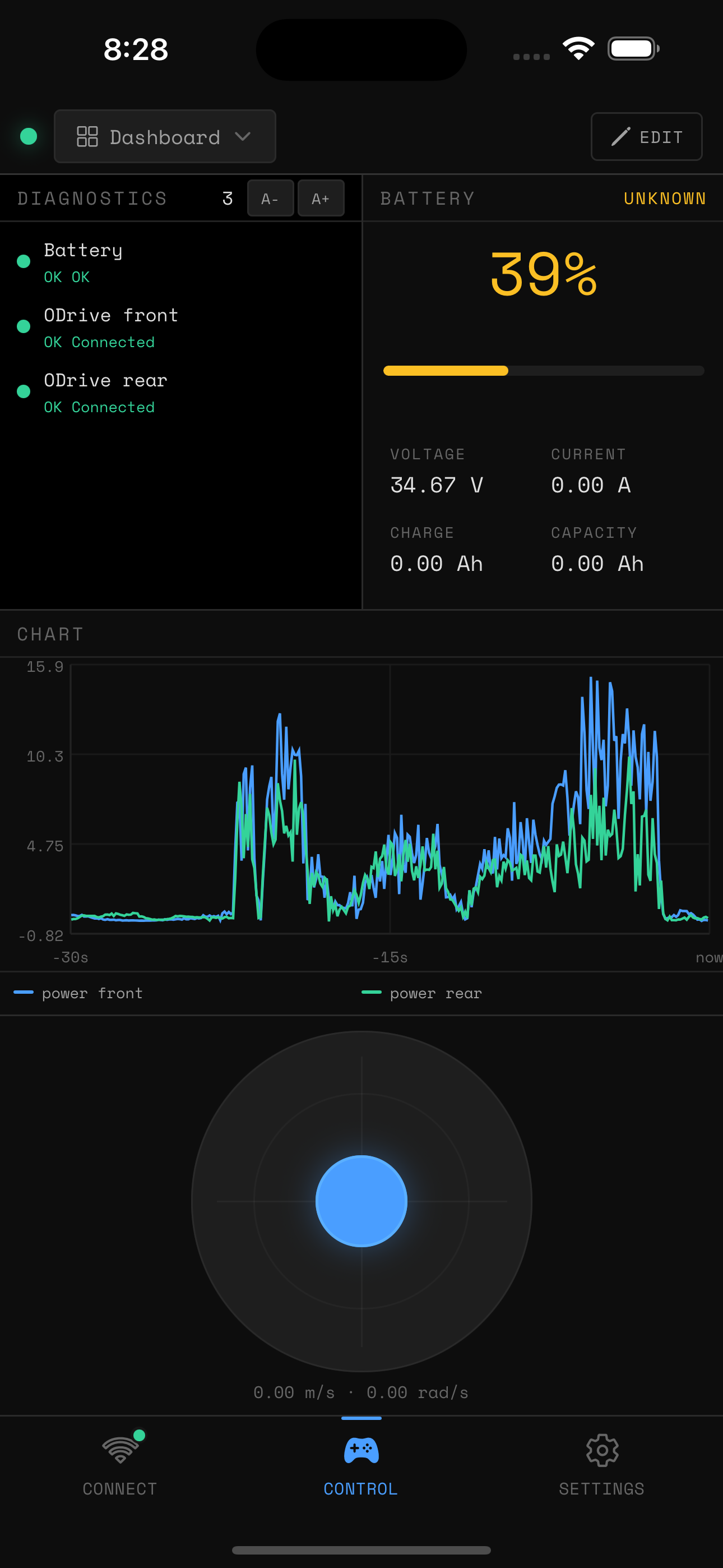
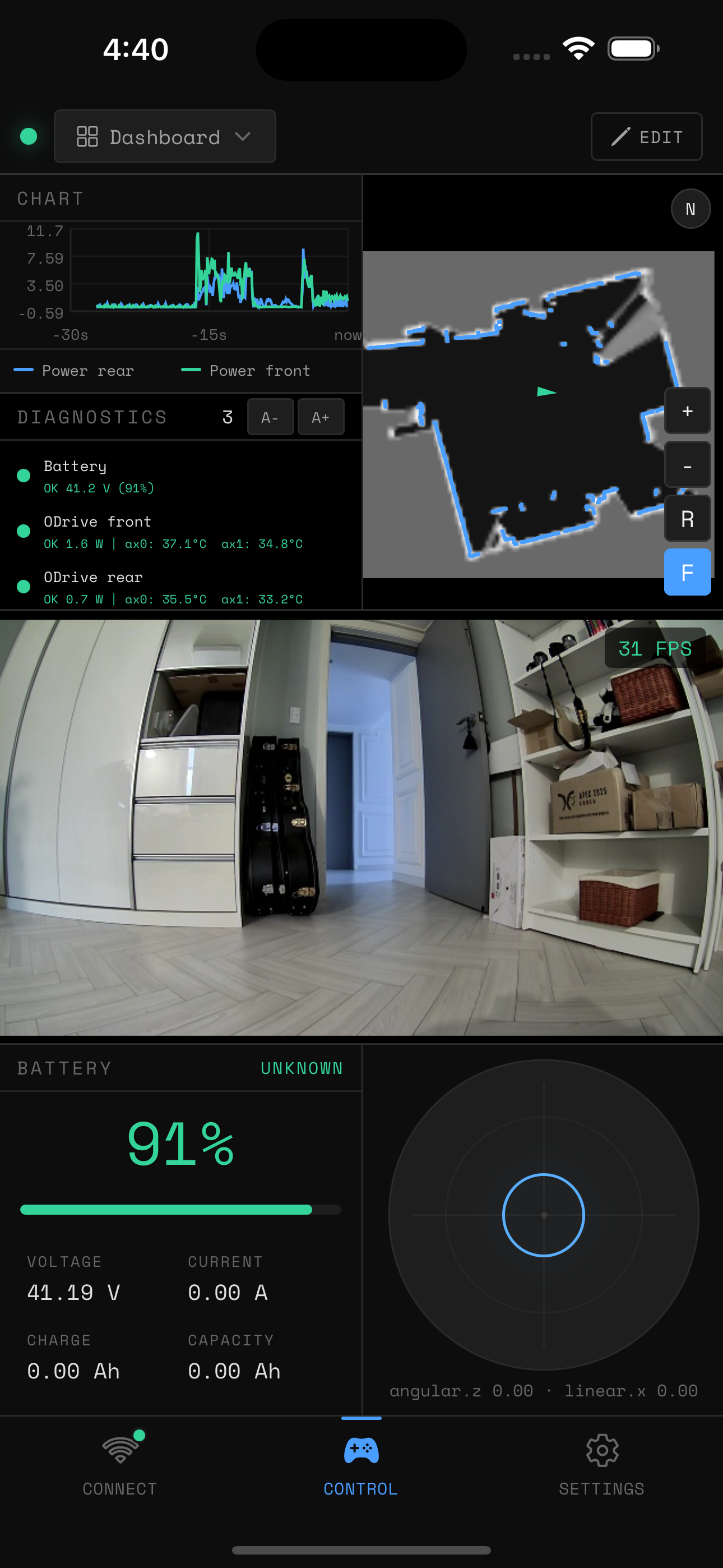
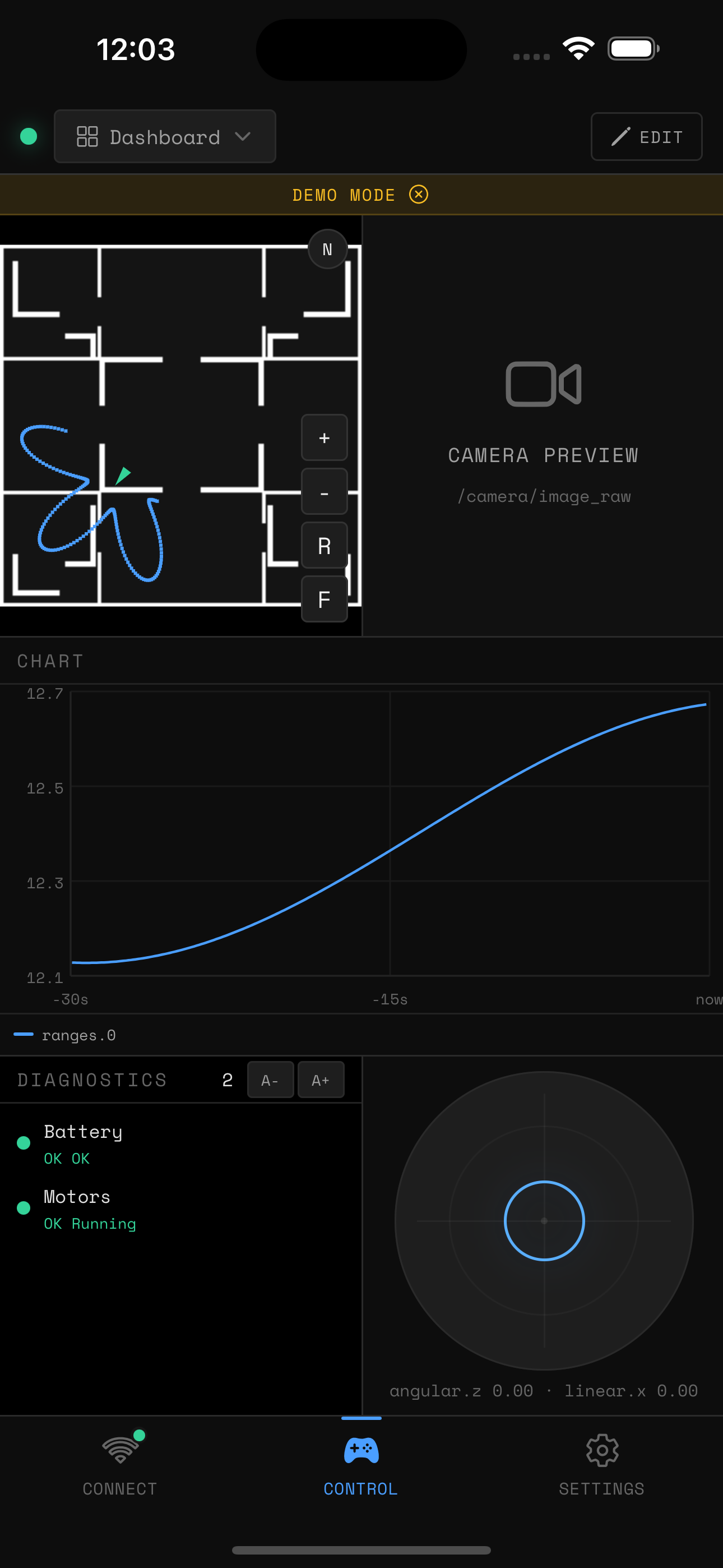
Your dashboard,
your way
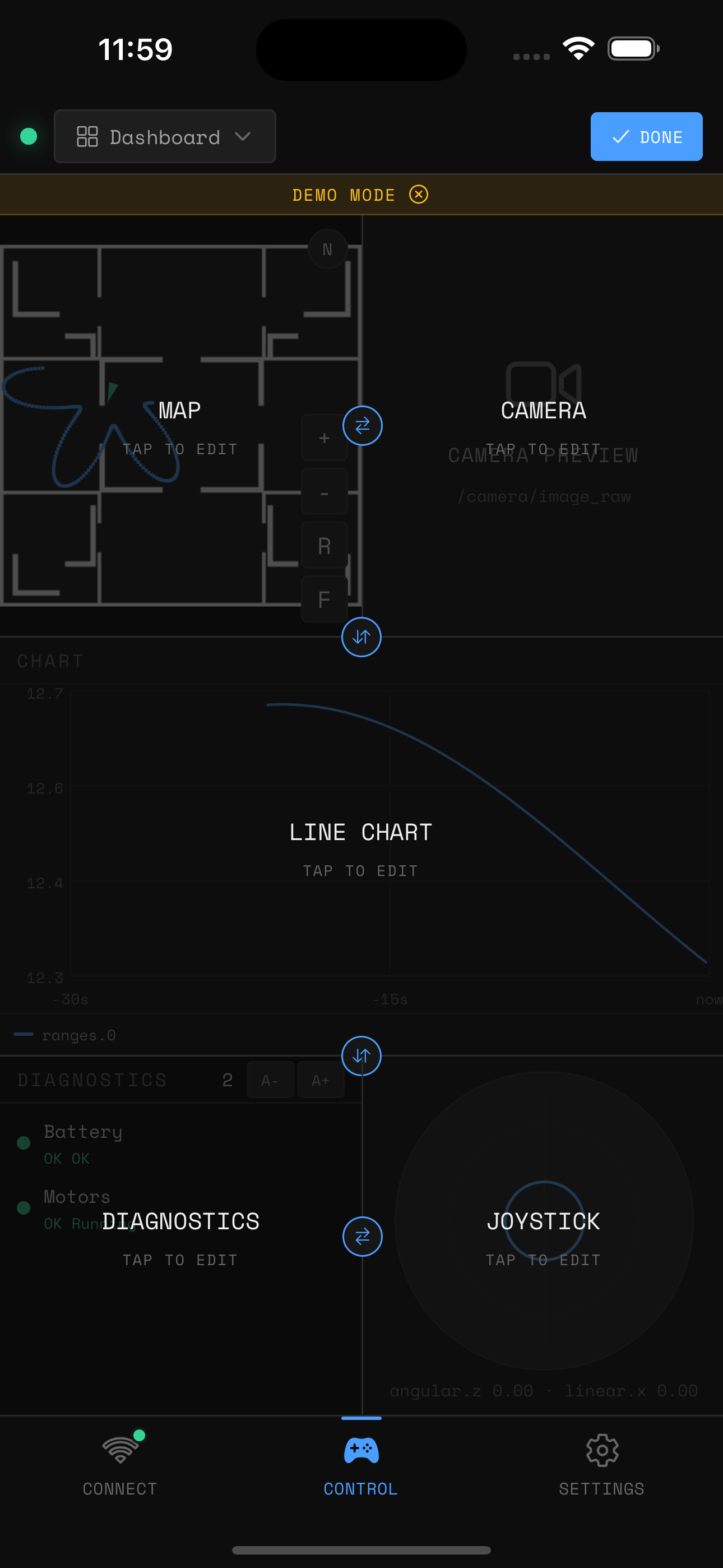
Split any pane horizontally or vertically — like tmux for your robot. Each pane holds one widget. Tap a divider to resize or swap sides. Save your arrangement as a named preset and switch between setups instantly.
Split any pane
Divide horizontally or vertically. Stack as many widgets as your screen allows.
Tap to resize or swap
Touch a divider handle to adjust the split ratio or swap the two sides.
Named presets
Save any layout as a preset. One tap to switch from "Drive" to "Inspect" mode.
Everything your robot publishes
Each pane holds one widget. Mix and match to build the exact view you need for the task at hand.
Works with your existing ROS 2 stack
No special drivers. No custom nodes. If you're running rosbridge or foxglove-bridge, you're already set up.
Rosbridge WebSocket
The standard. Works with any ROS 2 setup out of the box.
Foxglove WebSocket
Higher throughput for bandwidth-heavy setups like compressed video.
Everything stays on your local network
ROSDeck communicates only with addresses you provide, over your local Wi-Fi. Nothing leaves your network.
- No account required
- No cloud servers
- No analytics or tracking
- No data ever leaves your device
Try it on your robot.
Android — closed beta